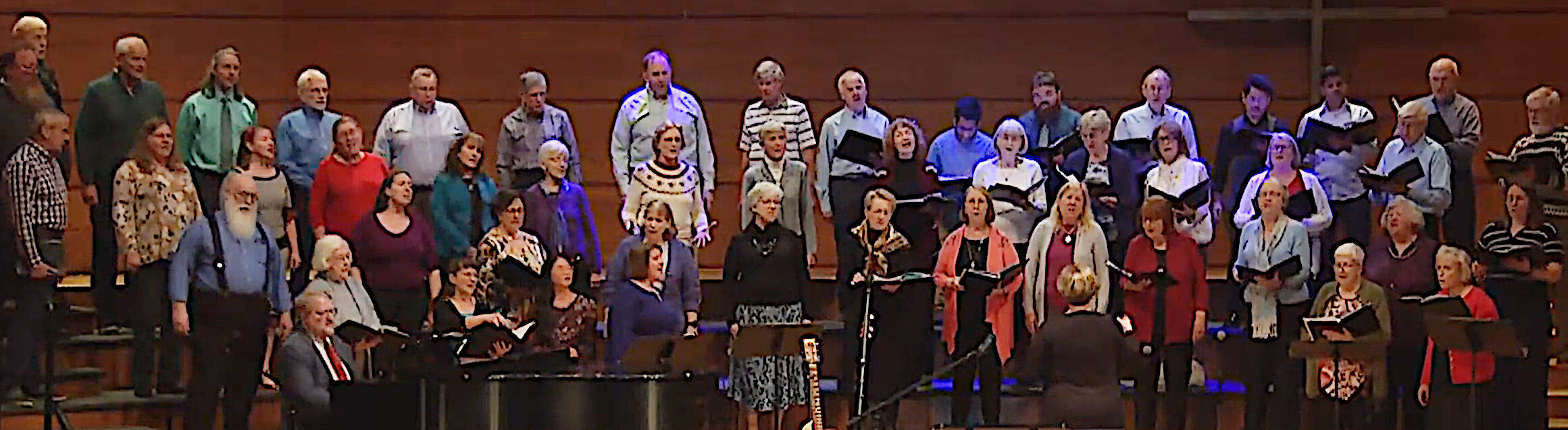

How to listen to the music:
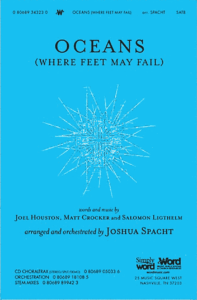
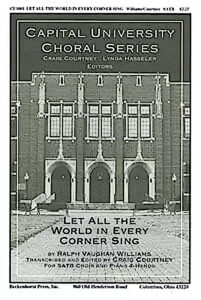
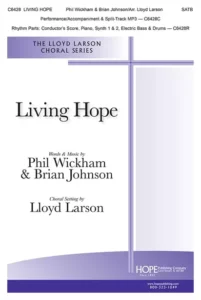
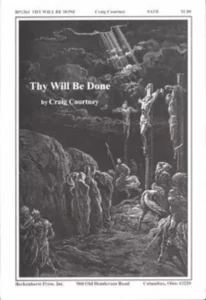
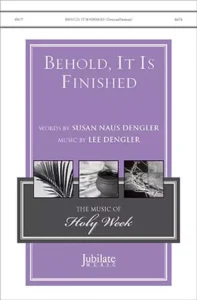
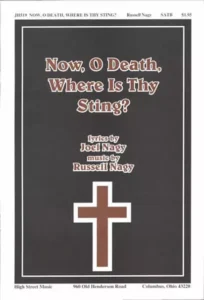
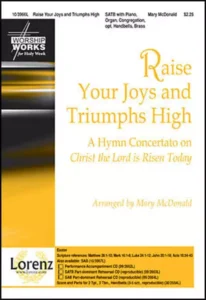
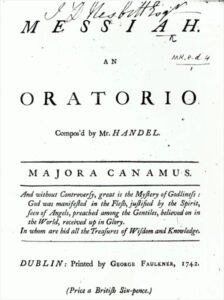
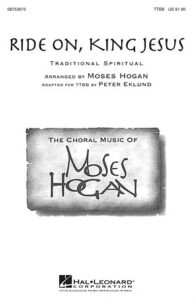
- click on an image to go to the web page for that piece.
- scroll down to “description” (on the left side). Look for SATB octavo.
- On the SATB octavo line, look to the right for the words score/audio. Click on the icon above those words.
- You are now on a new page, where you will see the cover of the music. Look up and to the left and you will see a triangle in a circle (the triangle is pointing to the right). Click on that triangle to listen to the music.
- listen over and over and over….. 🙂 Good luck! Send mail to the help system if you have problems with this!
UNW Women’s Chorale)